
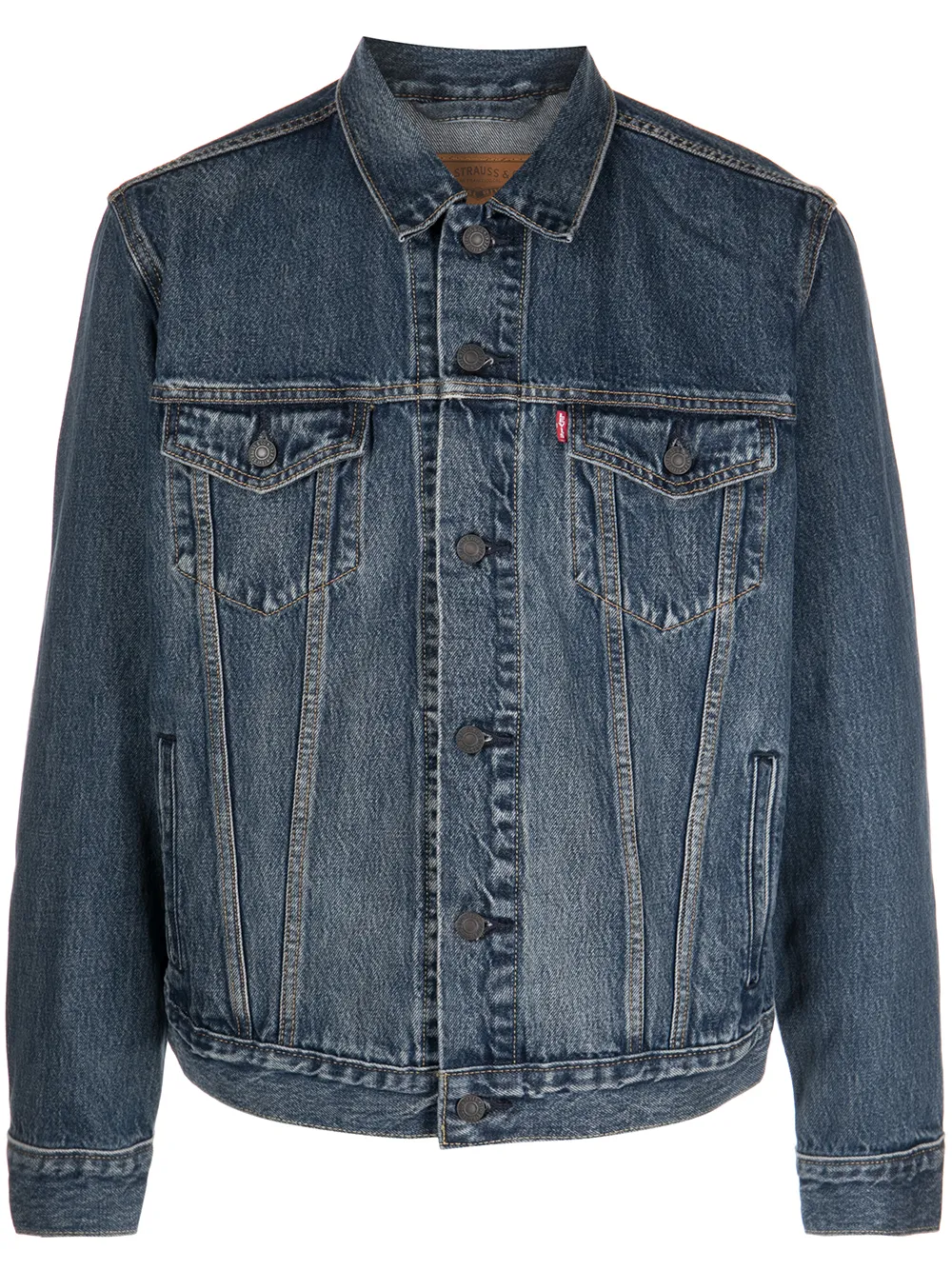
A$65
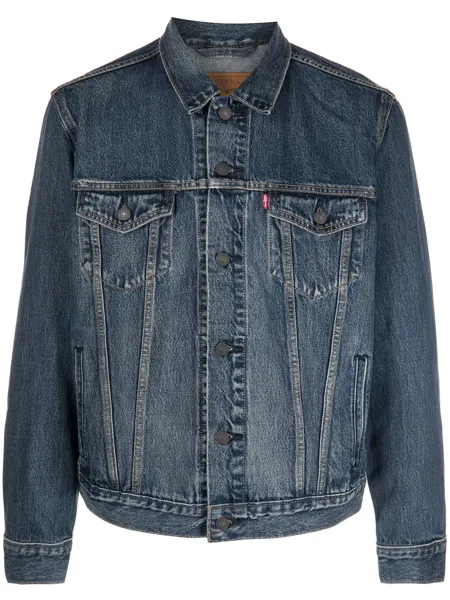
Levi’s denim jacket
Filled in by Listalong
Connect eBay and Depop once. Listalong copies your listings between them automatically or one at a time, and sends the items you choose to Facebook Marketplace, while you keep listing the way you already do.
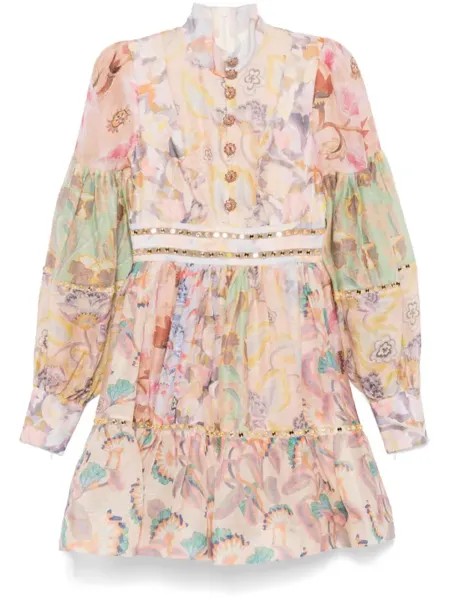
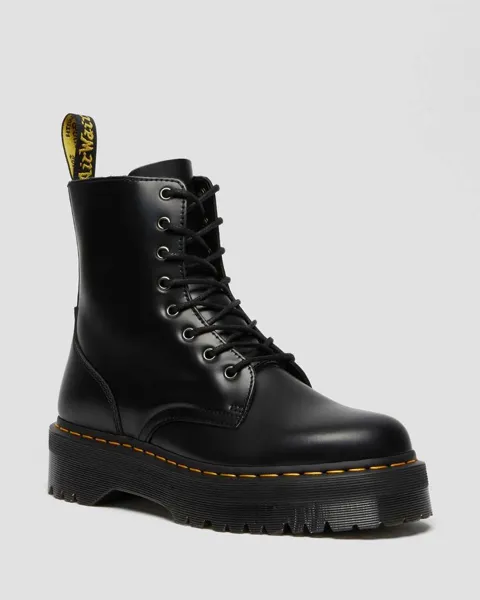
 ✓ ✓ ✓ ✓ ✓ ✓
 Both create the listing on the destination marketplace and keep it linked. The difference is who decides when it is crosslisted. Facebook Marketplace uses the one-at-a-time way.
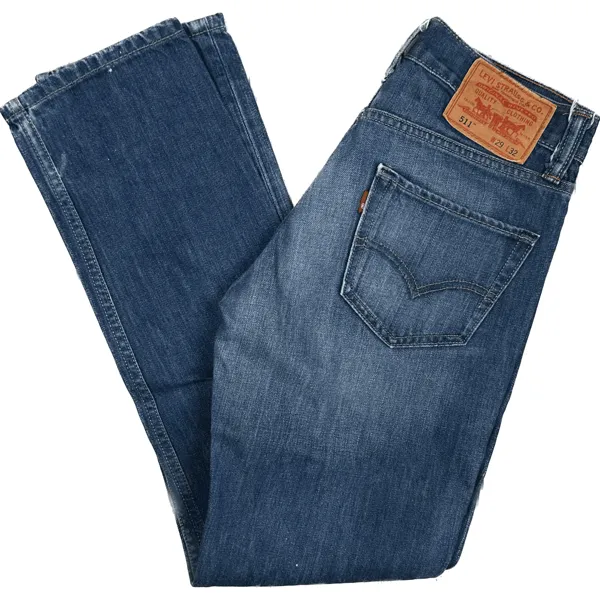
Levi’s 501 Jeans W32
$55.00
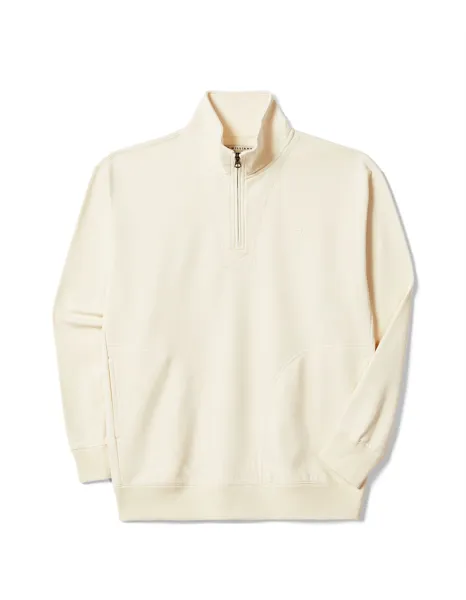
Cream Quarter Zip L
$38.00
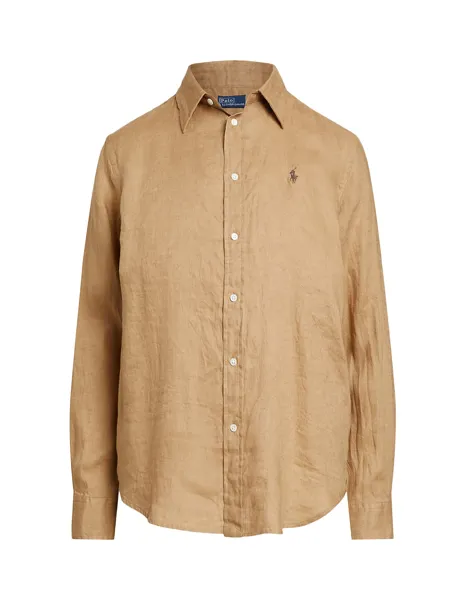
Ralph Lauren Linen Shirt
$49.00
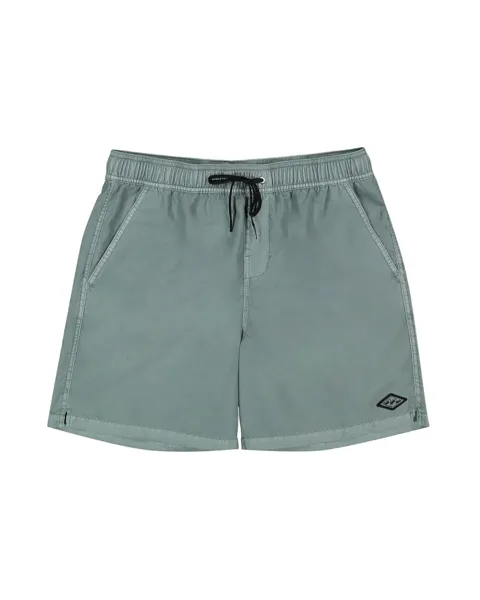
Billabong Boardshorts
$25.00
Everything is copied to Depop for you. 4 of 4 done.
Pick eBay or Depop items, press Crosslist and choose Facebook Marketplace. Listalong reuses your photos and details and fills in the listing for you.
Listalong sits between the marketplaces and handles the repetitive work around your listings.
Sign in to both through their official pages. Your existing listings stay where they are, and Listalong can see them straight away.
Let Listalong crosslist between eBay and Depop for you, or choose an item or a group yourself and crosslist it to any of your marketplaces, including Facebook Marketplace.
There is no replacement catalogue to learn. Keep listing in the app you know while Listalong looks after the listings on your other marketplaces.
When a linked item sells on any of your marketplaces, Listalong ends the matching listings on the others to reduce double-sale risk.
Listalong watches each linked item. When it sells on eBay or Depop, the matching listing is normally ended within minutes and the Listalong Connector marks the Facebook copy sold. Mark it pending or sold on Facebook and Listalong ends it on eBay and Depop.
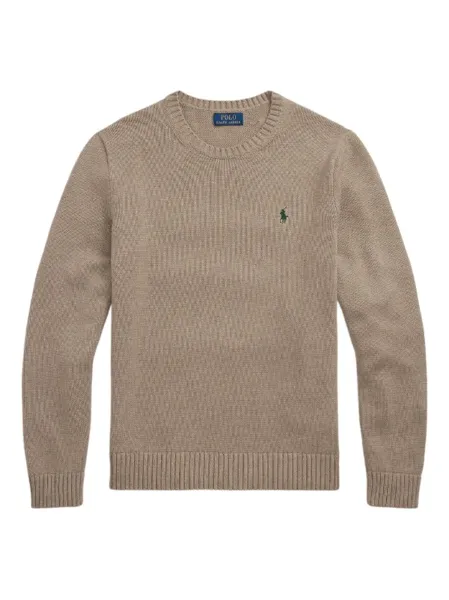
Explore every feature SOLD Ralph Lauren Wool Jumper M
$59.00
Listing ended Ralph Lauren Wool Jumper M
$59.00
Available photos, title, description, price, brand, size and condition are copied across where supported.
Listalong flags destination-specific requirements instead of silently guessing when information is missing.
Select a suitable group when you want to cross-list or refresh several listings together.
Combine supported eBay and Depop orders for the Australia Post MyPost Business workflow.
Connect eBay and Depop, add Facebook Marketplace in the Listalong Connector, and choose how you want Listalong to crosslist.
See the eBay-to-Depop workflow or Depop-to-eBay workflow in detail.