
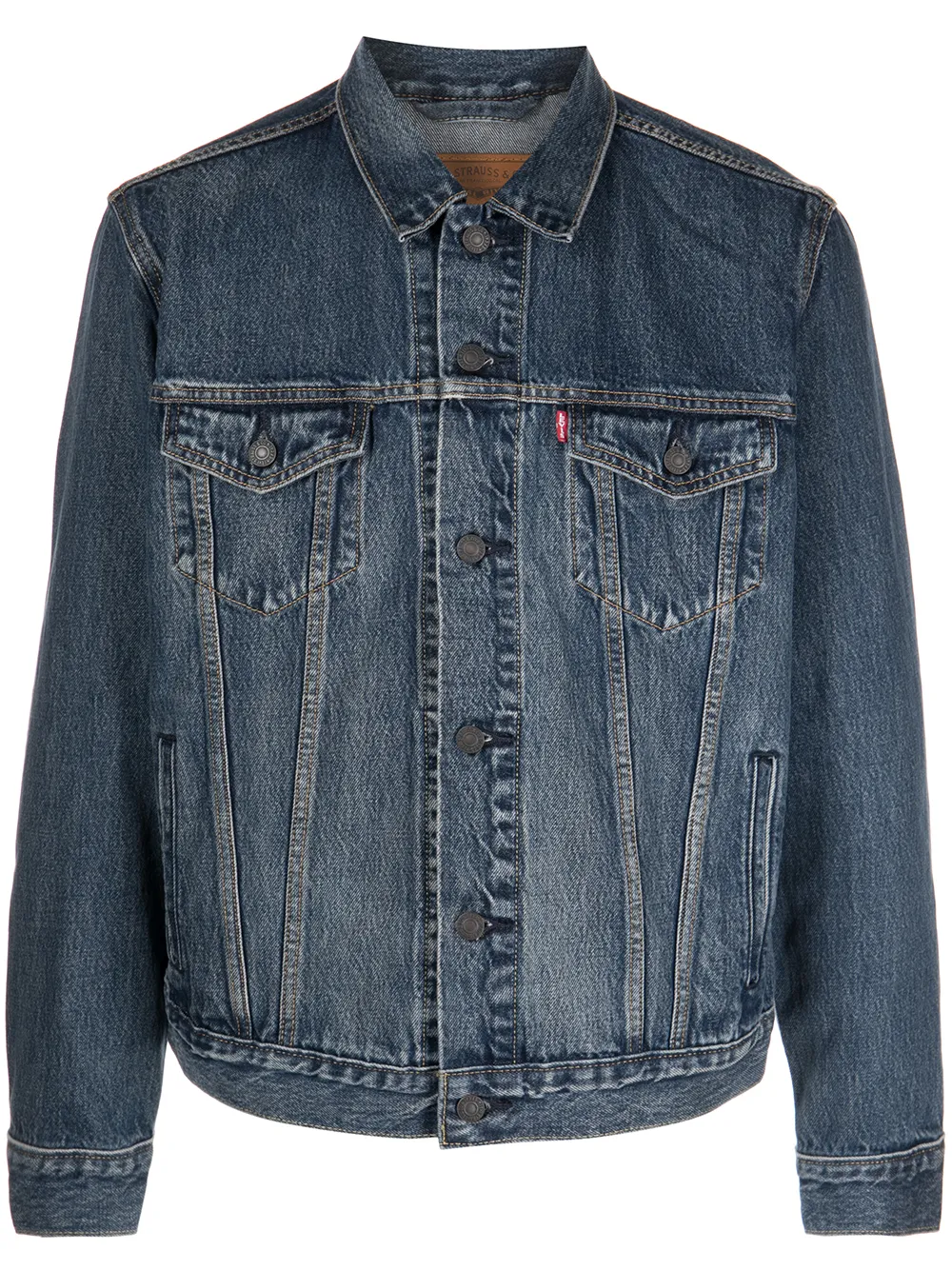
A$65
Levi’s denim jacket
Filled in by Listalong
Send your eBay and Depop stock to Facebook Marketplace without retyping a thing. Listalong reuses your photos and details, and keeps every copy in sync when it sells.
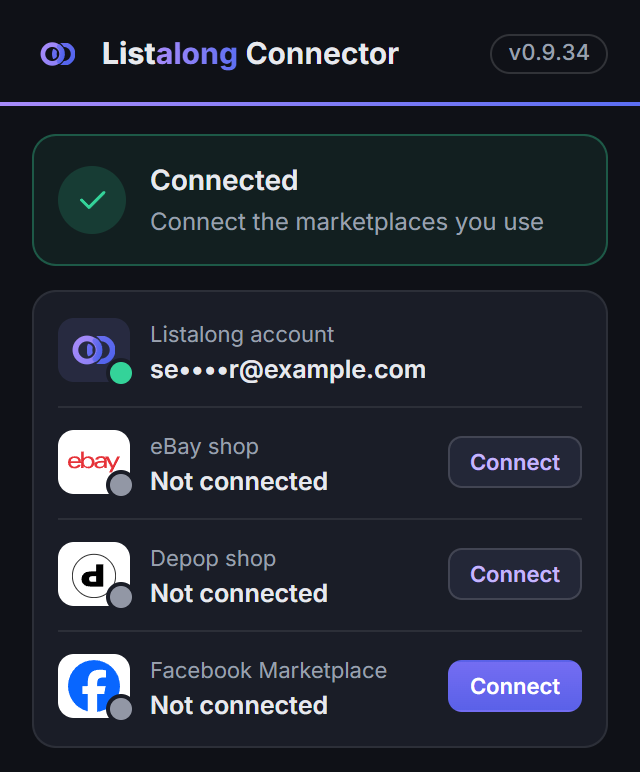
Open the Listalong Connector and choose Connect beside Facebook Marketplace. Check the name and confirm your account.
Select one item or a group from your eBay or Depop listings, press Crosslist and tick Facebook Marketplace.
Photos, title, description, price and condition are reused and the category is matched. Anything missing is flagged for you.
Buyers message you on Facebook, where you arrange pickup. When it sells, your other listings come down.
Sold or pending on Facebook
Your matching eBay and Depop listings are ended, so nobody else can buy it.
Sold on eBay or Depop
Listalong marks the Facebook listing sold for you.
Facebook syncing runs through the Listalong Connector while your computer and browser are on. Pending isn’t recorded as a sale. If a pending buyer falls through, mark it available on Facebook and Listalong reminds you to relist the others; it doesn’t relist them automatically.
Your prices stay put. Facebook uses whole dollars, so A$22.95 becomes A$23 there. Your eBay and Depop prices don’t change.
Facebook still reviews listings. A matched category doesn’t make an unsuitable item eligible, and anything Facebook needs that’s missing is flagged before you post.
You stay in control. Facebook listings only go up when you choose Crosslist. Your automatic eBay and Depop workflow keeps running separately.
Crosslist your eBay and Depop stock to Facebook with a checklist for photos, price, collection and matching inventory.
Adapt a listing description template for clothing, furniture or electronics.
Manage pending and sold items when a buyer reserves, collects or cancels.
Yes. Select existing eBay or Depop items, press Crosslist and choose Facebook Marketplace. Listalong reuses your photos and supported details, matches a Facebook category and fills the listing form. Facebook crosslisting currently supports Australian-dollar listings. Marketplace rules and review still apply.
Yes. Connect Facebook in the Listalong Connector for Chrome or Edge and confirm the account name. Keep your computer on, your browser open and Facebook signed in for publishing and Facebook status syncing. If the Facebook account changes, reconnect before publishing. Buyer messages and pickup arrangements stay in Facebook.
While the connector is connected, marking a Facebook item pending or sold ends its matching eBay and Depop listings, so it cannot sell twice. Pending is not recorded as a sale. If the buyer falls through, mark it available on Facebook and Listalong will remind you to relist it elsewhere. It does not relist automatically. Keep the browser open for Facebook syncing.
Sign in to Listalong, open Accounts and connect Facebook Marketplace using the Listalong Connector.