
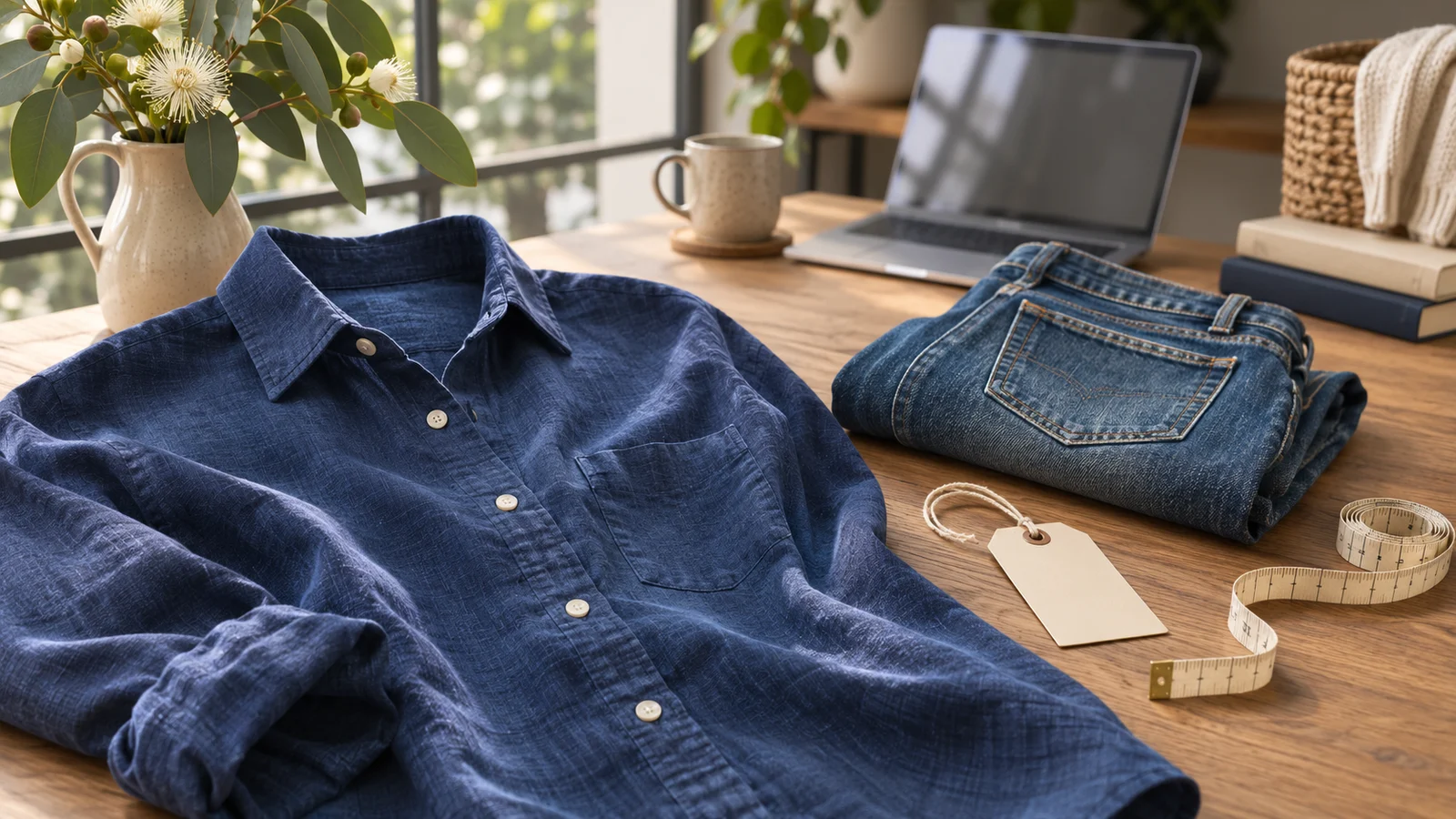
Copy a template below, fill in the brackets while the item is in front of you, then paste the finished description into eBay. Keep a blank master in your notes app and duplicate it for each item. Record the measurements, test results and missing pieces before putting the stock away.
These are plain-text eBay description templates. They work on Android or iPhone without installing listing software. If you want eBay to remember recurring listing fields as well, the Seller Hub method is below.
1. Second-hand clothing
[Brand] [garment type], tagged size [exact label].
Colour and fabric: [observed colour and fibre label].
Measurements taken flat: [measurement points and values in cm].
Condition: [wear or flaw, its location, and the photo showing it].
Details: [closure, pockets, lining or alterations you checked].
For a shirt, button it and lay it flat before measuring straight across between the underarm seams. Specify how you measured the length. A buyer comparing the shirt with one they own can repeat the same measurement.
Example wording: “Navy long-sleeve shirt, tagged M. Label reads 100% linen. Measures 54 cm underarm to underarm laid flat and 72 cm from the base of the back collar to the hem. Light rubbing on the right cuff, shown in the close-up.” This is an illustrative item. The next shirt needs its own measurements and inspection even if it carries the same brand and size.
2. Used electronics
[Brand and exact model from the unit].
Test performed: [what you connected or operated].
Result: [what happened].
Other functions: [relevant functions you could not check].
Included: [the unit and the accessories the buyer receives].
Condition: [damage, wear or intermittent behaviour and its location].
For example, a compact camera might start, extend its lens and save a photo to your test card. That gives you three observations to report. If you used your own battery, say whether a battery is included. Put the test equipment away before taking the contents photo so the listing and the photo tell the same story. Choose the eBay condition available in the category that matches the item’s actual state. eBay’s item conditions by category.
Example test note for a camera with a fault:
Camera powers on with my test battery. Lens extends, then retracts and
the camera displays a lens error. I could not take a photograph.
Camera only; battery, charger and memory card are not included.
Scratches around the base and wear beside the shutter button.
This is a hypothetical fault report. Add the actual brand and model, and replace every observation with your own. “Powers on” alone would miss the main fault. A description of limited testing also does not establish that an item is fully working; check the category’s condition definition before choosing it.
3. Boxed video games
[Game title] for [platform], [edition as printed].
Contents: [disc or cartridge, case, cover art, manual or inserts].
Media condition: [visible marks or damage].
Case and cover: [cracks, torn art, stickers or replacement parts].
Test: [how far you played, or why testing wasn't possible].
Check the platform printed on the disc against the spine of the case before photographing both. A barcode match can start a listing for a particular release. The case in your hand still needs checking for a missing manual, a different disc or an insert with an unverified download code. A note such as “loaded to the title screen” describes exactly what you observed.
Check these details every time you reuse a template
A reusable description can carry an old item’s details into a new listing. Before publishing, make these five checks:
- Identity: the brand, model or game edition matches the item and photos.
- Measurements: values belong to this garment, with units and measuring points stated.
- Condition: each stated test was performed on this item, and its faults are disclosed.
- Contents: the accessories, case, manual and other included pieces are all present.
- Listing fields: size, condition, quantity and postage agree with the description.
Search for [ to find unfilled prompts. Delete a prompt that does not apply, or explain what you could not establish. Avoid filling a gap with a guess just to make the paragraph look complete.
For example, if the description says “charger not included” while the first photo shows your test charger, take a new contents photo or make the exclusion clear in the image selection. Check the item specifics as well as the pasted text.
Save recurring fields in Seller Hub
If you sell the same type of stock every week, eBay’s own reusable templates can also hold listing details. In Seller Hub → Listing templates, choose Create new template, give it a recognisable name and save the fields you expect to reuse. To use it, open the template’s Actions menu and choose Create listing. eBay documents this flow in Seller Hub. The copyable text above also works when you list entirely in the mobile app. eBay Australia’s selling template instructions.
Save the prompts you repeat. Leave measurements, model numbers, condition and included accessories blank in the master. Keep a separate template for each kind of stock you regularly sell so a game listing does not inherit clothing prompts.
When typing the template becomes the slow part
Here’s a filled-in example you can adapt for a loose game. Replace the test result with what you actually did.
Mario Kart 8 Deluxe for Nintendo Switch. Original game cartridge only.
No case or inserts included. Light wear to the front label.
Tested on a Nintendo Switch. Loaded a race and completed the first lap.
For the same example in Snap, photograph the cartridge front and back and add the note “loose cart, label wear, completed first lap, no case”. Generate the draft and compare it with the paragraph above. Is “cartridge only” easy to see? Does the test wording stop where your test stopped? Delete any mention of a case or manual before publishing. See a worked trade-in versus eBay comparison for the same game.
If most of your stock is different, you can collect the same facts as short notes and let an app assemble the first draft. In Listalong Snap, photograph each item, add the measurement or test result, and move to the next item. Snap uses the photos and notes to prepare editable eBay listing details. Read the result against the item, choose the price and review the postage before publishing. We make Snap. Eligible new eBay seller accounts start with 300 free credits. See the phone workflow · Get Snap on the App Store or Google Play.
Templates and examples reviewed 11 November 2026. Seller Hub instructions and condition guidance were checked against the official eBay pages linked above. The examples are hypothetical and must be replaced with the facts of your item.
The cover is an AI-generated editorial illustration.