
You can now crosslist Depop listings to Facebook Marketplace with Listalong. Select existing Depop items, press Crosslist and choose Facebook Marketplace. Listalong reuses your photos and supported details, matches a Facebook category and fills the listing form.
That gives your existing listing work another use. A garment already photographed and measured for Depop can become a local Facebook offer, with its condition and identity carried into the preparation. You still need to review the destination price, collection arrangements and resulting advert.
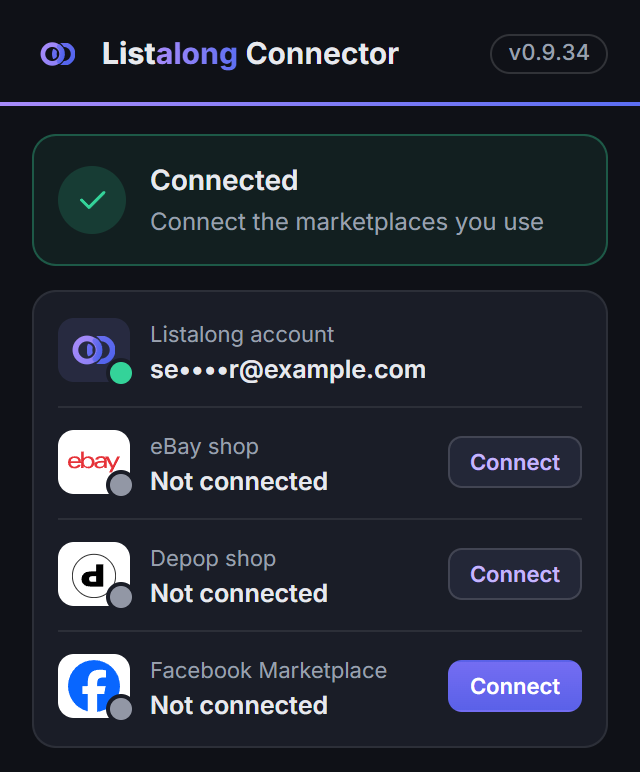
The current Facebook workflow supports Australian-dollar, single-item listings and runs through the Listalong Connector for Chrome or Edge. Keep your computer on, browser open and Facebook signed in for publishing and Facebook status syncing.
1. Choose a Depop item that is ready to sell locally
Start with one item you can locate immediately. Confirm that its Depop photos show the exact garment you still have, its measurements are accurate and any marks or repairs remain clearly disclosed.
An individual skirt with one labelled size is a straightforward first check. A listing asking buyers to choose from several sizes, or an advert containing several separately available pieces, needs a different stock assessment. Do not assume the single-item workflow supports multiple quantities or variations.
Check whether you already have a Facebook advert for the item. Compare photographs, size, colour and distinguishing details, rather than relying on a title search alone. Updating an existing advert may be the right next action if the item is already there.
2. Connect Depop and Facebook to the workflow
Connect your source marketplace to Listalong and locate the existing Depop item. Then connect Facebook in the Listalong Connector in Chrome or Edge. Sign in to Facebook and confirm the account name shown by the connector.
If you change Facebook accounts, reconnect before publishing. The account you intend to sell from should match the account you have confirmed.
Leave the computer and browser running while the connector publishes and syncs Facebook status. A phone is useful for buyer conversations, but it does not replace the desktop connection this workflow needs. See Listalong’s Facebook crosslisting setup for the current requirements.
3. Turn a Depop description into a clear Facebook offer
Keep facts that remain accurate: the brand, labelled size, measurements, fabric, condition and included pieces. Review wording that belongs to your Depop shop rather than the physical garment.
| In the Depop listing | Review for Facebook Marketplace |
|---|---|
| “Message for bundle shipping” | Whether you are offering this one garment for pickup or another explicitly agreed arrangement |
| “Tracked postage included” | Whether delivery is actually included in the Facebook offer |
| Style tags and short phrases | A readable title naming the garment, brand and size where known |
| “Fits small” | The labelled size plus actual measurements, rather than a fit claim alone |
| “See shop policies” | The relevant collection or delivery details stated in the advert itself |
For example, a Depop description might read: “Vintage denim skirt, tag 12, waist 74 cm, small mark near hem, tracked post included.” A Facebook pickup description can retain the size, measurement and mark, remove the postage promise and state the collection suburb. Keep the photograph showing the mark.
The Facebook description templates provide a structure you can adapt. Avoid copying policies or links that require a Facebook buyer to visit your Depop shop to understand the offer.
4. Check the price before you crosslist
Decide what the Facebook buyer receives for the displayed price. A Depop price with postage included is a different offer from a Facebook collection price.
As an example, you might have a dress advertised at A$45 on Depop with delivery included. Review the actual delivery and packaging costs, then choose a deliberate Facebook price for the offer you want to make. There is no universal discount to apply.
Facebook uses whole-dollar prices in Listalong’s current workflow. If the Depop price includes cents, inspect the resulting Facebook amount rather than assuming the numbers will match exactly.
5. Press Crosslist and check the Facebook result
Select the suitable Depop item in Listalong, press Crosslist and choose Facebook Marketplace. Facebook publishing starts with that action; it is separate from automatic crosslisting between eBay and Depop.
When publishing finishes, check the destination photographs, title, description, price, category, condition and location. Confirm that the resulting Facebook advert is connected to the correct stock item. Facebook’s rules and review still apply. If an advert is under review or rejected, inspect its status before attempting another copy.
Once one listing looks right, use the bulk Depop to Facebook checklist to prepare more separate items.
6. Plan what happens when the item is held or sold
Buyer messages, collection arrangements and group sharing stay in Facebook. Keep the connector running for supported stock updates.
With the connector connected, marking a correctly linked Facebook item pending or sold ends its matching Depop and eBay listings. Pending is not recorded as a sale. If the buyer falls through, marking the Facebook item available triggers a reminder to relist elsewhere; the ended listings are not restored automatically.
When a linked item sells on Depop or eBay, Listalong can mark its Facebook listing sold through the running connector. Check that the update completes before making another promise about the item.
Our guide to selling on Depop and Facebook at the same time explains that routine with a garment moving from enquiry to pickup. Start with one suitable Depop listing, review the Facebook offer and build a workflow you can repeat.
Frequently asked questions
Can I crosslist from Depop to Facebook Marketplace?
Yes. Listalong can use existing Depop items as the source for Facebook Marketplace listings. Select suitable items, press Crosslist and choose Facebook Marketplace. The current workflow supports Australian-dollar, single-item listings.
Does Listalong automatically send every new Depop item to Facebook?
Facebook publishing starts when you select items, press Crosslist and choose Facebook Marketplace. It is separate from automatic eBay and Depop crosslisting. Keep your computer on, Chrome or Edge open and Facebook signed in, with the Listalong Connector connected.
Will crosslisting remove my original Depop listing?
Crosslisting creates an additional offer for the item; it is not a move out of Depop. For correctly linked stock, marking Facebook pending or sold ends matching Depop and eBay listings while the connector is connected. Check the completed result when availability changes.