
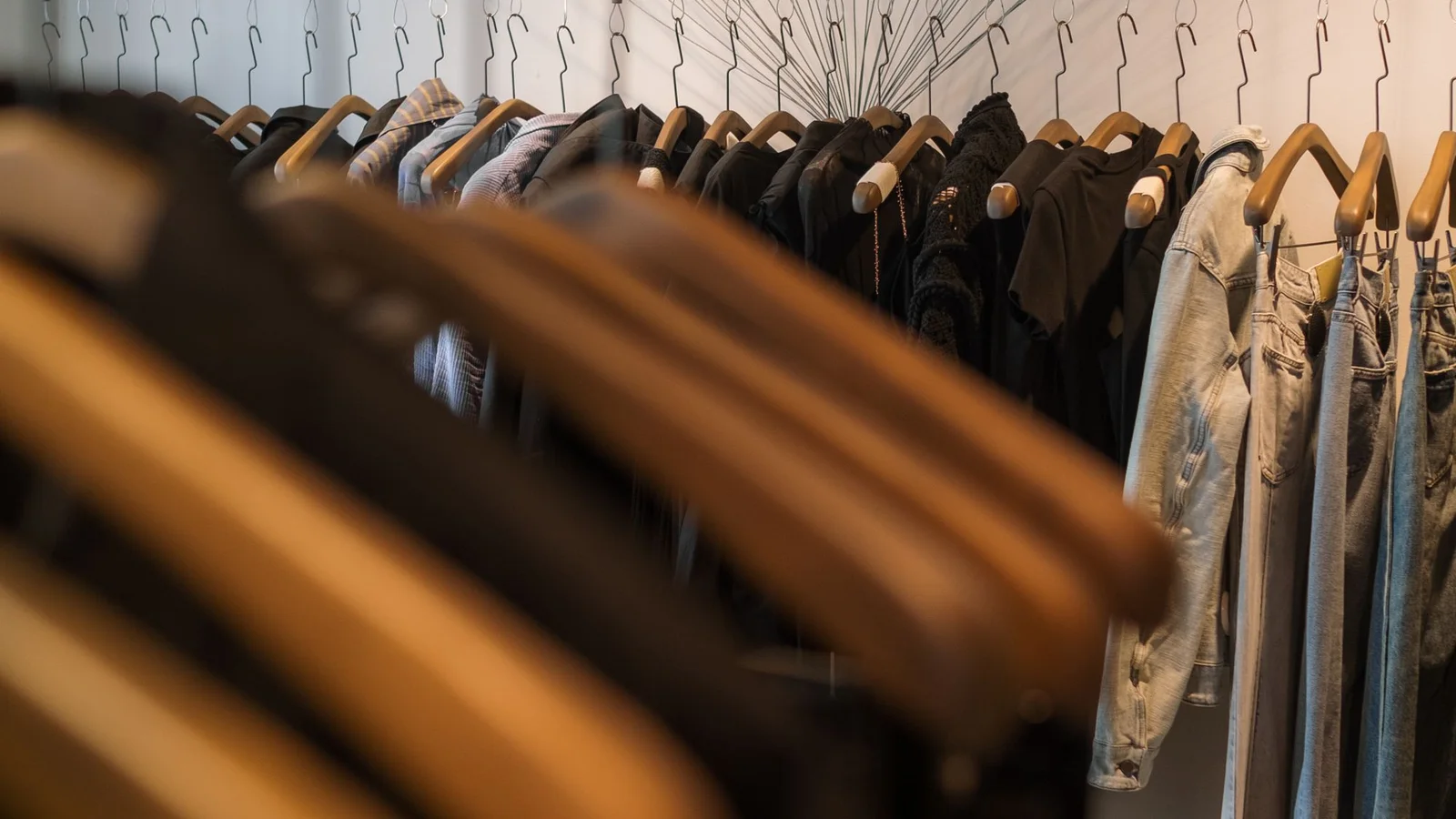
To post on Facebook Marketplace, open Marketplace, choose Sell or Create new listing, add an item listing, and follow the prompts for photographs, details, price and location. Review it before publishing. The exact labels can differ between the Facebook app and desktop, and some options depend on your account.
The more useful preparation happens before you open the form: decide exactly what the buyer gets, show its condition and make collection easy to understand. This guide focuses on selling an ordinary second-hand item for local pickup in Australia.
Prepare the item before creating the listing
Put the item and everything included in the sale together. Check pockets, count accessories and test only what you can actually test. A console that powers on has not necessarily passed a full gameplay test; a jacket labelled medium may fit differently from another brand’s medium.
Prepare these details in one note:
- Item name, brand and model where you can identify them.
- Labelled size and useful measurements, or dimensions for furniture.
- Condition, including stains, repairs, wear and missing parts.
- Included accessories and anything pictured that is excluded.
- Asking price in Australian dollars and a general pickup suburb.
- Your private stock reference if the item is also listed elsewhere.
Keep your exact home address out of the public description. Decide on collection arrangements privately with the buyer.
Add photos that answer the buyer’s questions
Use a clear first photograph of the whole item. Follow it with the back, labels or model number, useful details and close-ups of faults. Check the background for addresses, paperwork and anything you do not want published.
For a jacket, a useful set would show the front, back, size and care labels, fastenings and any wear. For a small table, show the top, legs, underside and damage. Include dimensions in the description even if a tape measure appears in a photograph.
Show what a buyer needs to judge this particular item; use the photo capacity available in your listing form.
Fill in the listing and check the preview
On a computer, open Marketplace and look for Create new listing, then Item for sale. In the Facebook app, start from Marketplace’s Sell or listing-creation option. Follow the labels your account shows:
- Add photographs of the actual item.
- Enter the title, asking price, category and condition.
- Add the description and check your general collection location.
- Review any delivery or sharing choices offered to you.
- Follow the Next and Publish prompts, then open the item in your selling area to check its status.
Facebook may review a listing before it appears. Use the notice in your account rather than assuming it is visible immediately. DHL’s Marketplace listing walkthrough covers the general sequence; its delivery advice is UK-specific.
Use a title such as Denim jacket, women’s size 12, blue instead of Beautiful jacket, must go. The first tells someone what you have without making them open the listing to find out.
Before publishing, compare the preview with the physical item. A saved description from an older listing can contain the wrong size, missing accessories or a postage offer you no longer want to honour.
For wording you can adapt, use the Facebook Marketplace description templates.
Make price and pickup clear
Put the actual asking price in the price field. If you are selling a bundle, explain whether that price is for everything or one item. Avoid presenting an entire bundle in the photographs while leaving buyers to discover that the price covers only one piece.
Here is an illustrative description ending:
A$35 for the jacket. Pickup in the Glenelg area by arrangement. Please message with a day and time that suits you. This listing is for the jacket only.
Work out your own price from condition, comparable items and the amount you are willing to accept. An active asking price is not evidence of what another seller actually received. Our second-hand clothing pricing guide explains a more considered approach for garments.
Reply with a useful next step
When someone asks whether the item is available, confirm that it is and move towards a specific arrangement:
Yes, it is available. The price is A$35 and pickup is in Glenelg. Would Saturday morning or Sunday afternoon suit you?
Only offer times you can keep. If you agree to hold the item, decide when that hold expires and stop offering that same item to another buyer during the agreed hold.
Meta recommends keeping communication on Facebook and choosing a public, well-lit meeting place when meeting in person. Its guidance also distinguishes local person-to-person transactions from purchases eligible for Facebook checkout protection. Do not assume local pickup includes that protection. Meta’s Marketplace safety guidance
Finish the sale across every listing
After the sale, update the Facebook listing and any matching eBay, Depop or group advert. A message conversation does not tell your other marketplaces that the stock is gone.
If you hold an item for collection, deal with its availability elsewhere before the buyer arrives. The pending and sold stock guide explains this distinction and includes a simple record you can copy.
Already have the photographs and description on another marketplace? Follow the eBay and Depop to Facebook crosslisting checklist before creating another advert. Start with one item, check the published result and repeat the process once you know where each listing is recorded.
If the advert is published but enquiries are slow, use the Marketplace listing diagnostic. Once a buyer replies, the pickup message templates help you agree a clear collection time.
Frequently asked questions
How do I post an item on Facebook Marketplace?
Open Marketplace, choose Sell or Create new listing, select the item listing option, add your photos and item details, check the price and location, then follow the publishing prompts. Labels and available options vary between accounts and devices.
What should I include in a Facebook Marketplace listing?
Include the actual item, brand or model, size or dimensions, condition, visible faults, what is included, the asking price and a general pickup area. Use photographs of the item you are selling.
Should I mark an item sold when someone asks if it is available?
An enquiry is not a completed sale. Agree the details first, use a clear reservation routine if you hold it, and update all matching listings when it is sold.