
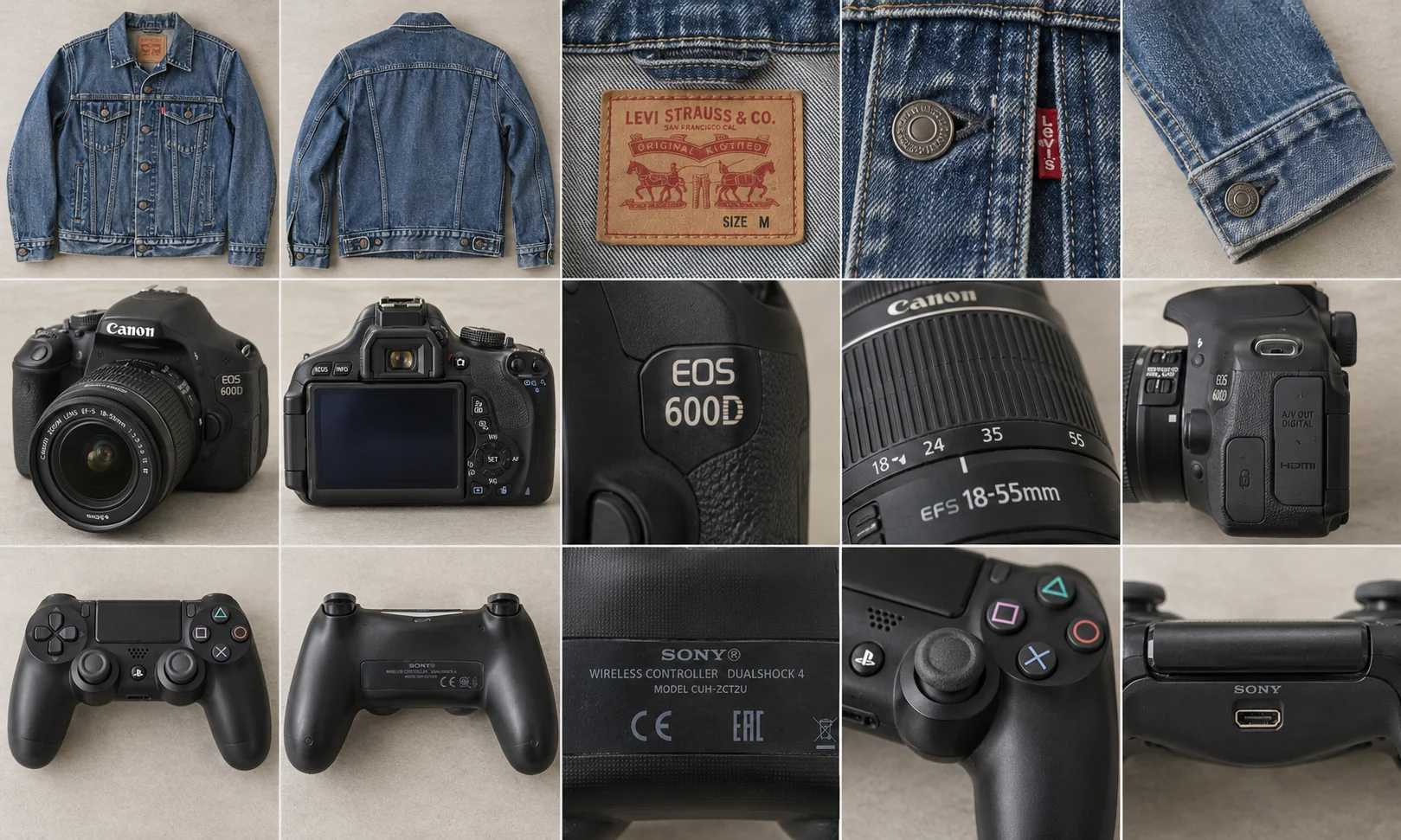
If you have a rail of second-hand clothes and an iPhone or Android phone, look for an eBay bulk listing tool that keeps each garment’s photos together and creates a separate draft for it. If you already have a spreadsheet of SKUs, prices and quantities, start in eBay Seller Hub. And if you have a carton of identical goods, you may only need one listing.
Here’s how to choose before spending the afternoon entering stock twice. We make Listalong Snap, one of the options below.
Download Snap for iPhone or Android. Eligible new eBay seller accounts start with 300 free credits. For your first Apple-device session, see the iPhone listing app guide.
Match the tool to the stock in front of you
| What you have | Where to start | What to check |
|---|---|---|
| Twelve used garments, each with its own size and wear | A photo-based batch app such as Listalong Snap | Each garment gets a separate set of photos, condition notes and price |
| One boxed game with a readable barcode | The eBay app’s barcode lookup | Match the edition, platform, region and box contents to your copy |
| Twelve identical new items in the same condition | eBay’s multi-quantity fixed-price option, where eligible | Quantity, pack size and postage for a buyer ordering more than one |
| A catalogue already organised by SKU | The bulk tools available in your Australian Seller Hub account | Access, required fields and whether you’re creating listings or revising them |
| Active listings that all need a postage change | Seller Hub’s bulk editing features, where available | The selected listings and the field you’re changing |
eBay Australia places some advanced bulk and variation tools under its Pro plans. Check the options visible in your account before preparing a file. Its mobile app also lets you start a listing from a barcode match. Seller Hub Australia · eBay’s guide to creating listings · Selling with the eBay app.
For a wider comparison of eBay listing software, see which tools support Australian accounts. Once you have chosen a tool, use our batch listing workflow to organise the session. Already photographed everything? Start with the Android gallery import guide.
What a phone batch looks like with three one-off items
Imagine you’re selling two navy shirts and a boxed controller. The first shirt is a medium with a worn cuff. The second is a large in better condition. A quantity of two on the first shirt’s listing would let someone buy the wrong size. The controller adds a third set of details, including what you tested and whether the cable is in the box.
In Snap, photograph the medium shirt, its size and fibre labels, and the worn cuff. Add a note locating the wear. Tap Next item before taking the first photo of the large. For the controller, photograph the rear model label and lay the included accessories beside it. Record what happened when you tested it. A photo of the power light alone tells a buyer very little about stick drift.
Generate the drafts, then open each shirt from the batch overview. Check that the medium has the cuff photo and the large has its own label. For the controller, read the condition wording against your test note. Check the price against comparable sold items and confirm the postage policy suits the packed item.
You can publish an eligible fixed-price item individually or submit the ready items together. If the controller needs another test, publish the shirts individually and leave the controller for later. If a submission’s outcome is unclear, check your active eBay listings before sending it again. See Snap’s batch workflow.
When Seller Hub saves more work
Suppose your stock sheet already contains a supplier SKU, a product identifier, a price and a quantity for each line. Photographing every box to reconstruct those fields creates work you’ve already done. Open the bulk tools available to your account and check the required format against your source sheet. Start with a small selection and verify the resulting listings, including their photos and quantities, before processing the rest. eBay documents the input methods and account requirements for its different tools. eBay Australia’s bulk listing guide.
How to tell which app is faster for your shop
A five-item scorecard for phone drafts
Use two differently sized shirts, a camera, a controller and headphones. Save the photos and notes once and use the same inputs in each app. Time from selecting the first photo until all five drafts have been reviewed. Keep the drafts unpublished during the comparison. The Android reseller app guide explains what to check for each item.
| Record for each app | eBay app | Snap |
|---|---|---|
| Minutes from first photo selection to last reviewed draft | ___ | ___ |
| Drafts ready to publish, out of five | ___ | ___ |
| Corrections to size, model, condition or included parts | ___ | ___ |
| Items that need another photo or test | ___ | ___ |
For example, 20 minutes for five checked drafts is four minutes per publishable draft. If another app takes 16 minutes but only four drafts are ready, its average is also four minutes, and the fifth item still needs attention. If both drafts of the same shirt are sitting in different apps when you finish, publish from one place only. For a later end-to-end test, time different batches from first photo to putting the stock away so you also capture the cost of missed shots and handling.
For a phone-only batch of one-off items, you can try Snap with 300 welcome credits for eligible new eBay seller accounts. Credits apply to draft generation and the in-app screen shows top-up pricing. Get Listalong Snap on Google Play.
Compare the ongoing drafting cost using our pay-as-you-go listing app guide. For mixed electronics, the camera and electronics checklist covers model evidence and test notes.