
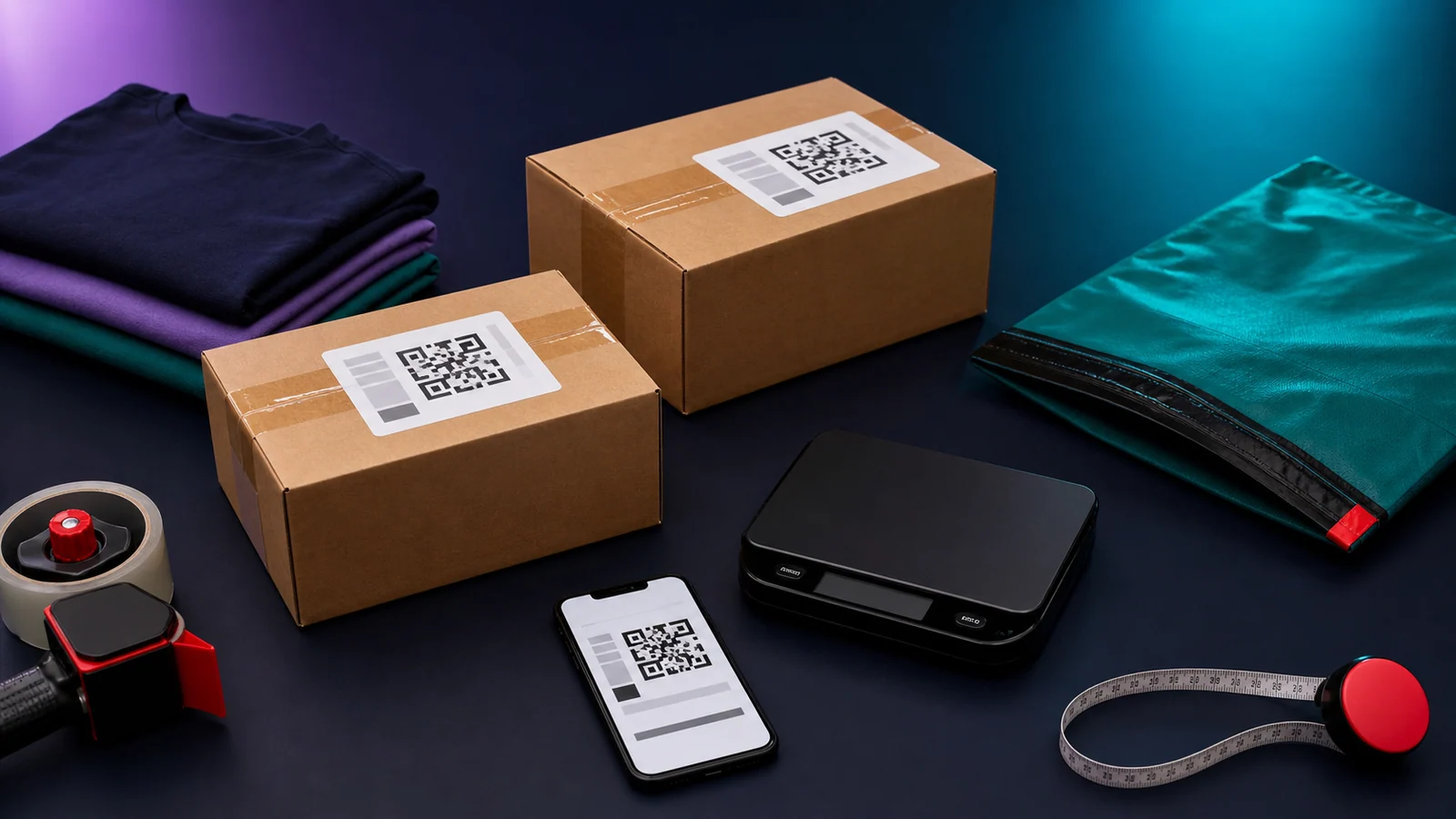
eBay is changing how eligible Australian Free Selling orders are posted from 11 November 2026. The change is a rollout: until your account is enabled, the existing label-purchase process generally continues. Once enabled, eligible orders receive a prepaid label rather than requiring you to buy one separately.
The distinction affects exclusions, pricing and what you can do with a label. This guide was reviewed on 4 November 2026, before the rollout starts, using eBay’s current Australian documentation. Check the notice and instructions attached to your actual listing or order.
Before you buy postage: open the paid order, check whether eBay has supplied its label, and match that label to the parcel. If it has, use the supplied label rather than buying another one. If it has not, check account activation and order eligibility before choosing the next step.
First, identify which label flow applies
eBay’s announcement sets out the 11 November change for eligible domestic orders. Its label-purchase guide says the existing requirement generally continues until account activation.
| Account or order situation | Where to start |
|---|---|
| Free Selling account not yet enabled for prepaid labels | Existing label-purchase instructions and the paid order |
| Enabled account and an eligible domestic order | The prepaid-label instructions attached to that order |
| Excluded item, international sale or different account arrangement | The actual shipping options and applicable terms |
| Pro account | Its available services, fees and listing settings; do not assume the Free Selling rules apply |
A date on a blog post cannot tell you that a particular account has been switched over. Avoid buying an extra label just because that was the routine for the previous order.
What the new prepaid experience does
For eligible orders after activation, eBay provides an Australia Post label and uploads tracking. The listing flow shows Ship with eBay and the sold-order flow shows Get prepaid label. Use the supplied label for eligible domestic orders after account activation. See the prepaid-label guide.
The announcement explains the payment arrangement: buyer-paid shipping goes to eBay, while a seller offering free shipping bears the charge. The listing’s shipping amount and your proceeds therefore need to be checked together. Free shipping is not cost-free dispatch.
For receiving and withdrawing available proceeds, use the eBay balance guide. Payment availability and getting a parcel ready are separate checks.
New prepaid-label exclusions
The prepaid scheme excludes items listed over A$750, certain envelope-suitable items sold below A$40, parcels outside its available service or limits, and local-pickup orders. An excluded international or higher-value order may still offer a separately purchased eBay label.
Do not decide eligibility from value alone. A low-priced garment is not automatically an envelope-suitable item, and a parcel that fits a post-office service may still exceed the limits of a particular locker option. Read the current size, weight and service limits before listing bulky stock.
The published parcel maximum is 22 kg, 105 cm on the longest side and 0.25 cubic metres. The separate locker option is limited to 3 kg and 40 × 30 × 10 cm. Check the packed parcel against all applicable limits, not just its weight. Current eligibility and limits.
Older label-purchase exceptions are a separate set
Before activation, eBay’s buying-labels page retains its older exceptions: sales below A$20 or above A$5,000, envelope-suitable items, unavailable labels and local pickup.
Those are not the new prepaid exclusions. In particular, do not apply the older below-A$20 rule to a prepaid order. Keep the applicable help page open alongside the order when checking an exception.
If you need another carrier or sending method for ordinary domestic stock, review the current Pro options and the effect on your existing listings. Compare all relevant fees rather than choosing from a monthly subscription figure alone.
Measure the packed parcel before listing
The shipping terms make accurate parcel information the seller’s responsibility and allow adjustments for incorrect declarations. Choosing a package after making a sale can expose a bad estimate made while listing.
For a clothing item, try the real packaging first:
- Add the garment, protective material and any inserts.
- Close the mailer or box as it will be lodged.
- Weigh the complete package and measure its outside dimensions.
- Check that the chosen service accepts the contents and package.
- Retain the measurements with the stock record.
A jacket weighing 920g before packing may sit in a different band once its packaging is included. This is an illustrative packing example, not a quoted carrier price. The cubic-weight calculator can help explain bulky parcels; the eligible service and actual quote still determine the charge.
Printing and QR codes
For the prepaid flow, open the order’s label option. Save the supplied label or QR code; a QR code can be taken to the post office for printing. If printing at home, make the label clear, secure and readable.
For separately purchased domestic Australia Post labels, the buying-labels guide explains the QR setting. Do not assume that an international or different-carrier label has that option.
Keep old barcodes off reused packaging and check that the label belongs to the parcel you are lodging. A stack of correctly printed labels is still easy to attach to the wrong items during a batch packing session.
Combining orders and changing labels
Prepaid orders: eBay combines shipping when the buyer purchases items in one checkout; separate checkouts stay separate. Everything in a combined order must fit one eligible parcel. For example, two shirts bought together may share a label, while two separately paid orders should not be treated as one prepaid shipment. Check the orders before packing. Prepaid rules.
Labels you buy separately: the older purchase flow offers combined-label tools. It also says an unused label must be cancelled within five days to request credit; purchased labels cannot be edited. Those instructions belong to that purchase flow, not to a supplied prepaid label. Purchase and cancellation instructions.
Address problems and missing manual tracking controls
For supplied prepaid labels, eBay says you cannot cancel the label, edit its address or upload tracking manually. The delivery address is on the label rather than visible on the order-details page. For a buyer’s address mistake, eBay directs sellers to cancel the transaction and ask the buyer to repurchase using the correct address. Official instructions.
Before treating a missing control as an error, establish which label flow the order uses. If an expected prepaid label is unavailable, keep the order reference and contact eBay. Do not buy replacement postage merely to work around an unfamiliar screen.
What happens to postage when you change plans?
Moving to Pro does not automatically change every existing advert. eBay says existing listings retain Ship with eBay until revised or relisted; new listings can use the Pro shipping options. Check each sold order even after the plan change. Plan-change guidance.
Make a short list of the active adverts you intend to review. Compare the available service, packed dimensions and buyer-facing cost before saving changes. There is no need to end and recreate the whole shop just to investigate one listing’s postage options.
If you also sell overseas, assess those costs separately. The November currency conversion fee guide explains why currency exchange and international sales fees are different checks.
For EU-bound parcels, use the product-identifier checklist to prepare the listing and carrier information. The domestic prepaid-label flow does not establish the customs requirements for an international shipment.
Dispatch, tracking and protection
The shipping terms require secure packaging, the relevant carrier instructions and dispatch within your stated handling time. Keep proof of lodgement. Creating a label does not establish that the carrier has the parcel.
Protection depends on the applicable service and conditions; it is not an unlimited guarantee. If something goes wrong, preserve the label, tracking and order record and follow the order’s help process. Do not promise a particular refund outcome simply because tracking was added automatically.
For cross-listed stock, also check that the matching advert is unavailable after the sale. If the sale is later cancelled or returned, use the return-to-stock checklist before relisting.
Your November preparation checklist
- Read the activation notice for your account.
- Review package measurements on existing stock.
- Check the correct exclusions for the order’s label flow.
- Include seller-paid postage when assessing a free-shipping price.
- Retrieve the correct label rather than buying a duplicate.
- Keep separate-checkout orders distinct when checking prepaid labels.
- Review existing listing settings after changing your selling plan.
- Keep receipt and tracking evidence after lodgement.
Official sources and review date
Reviewed 4 November 2026: 11 November announcement, prepaid-label instructions, buying labels and shipping terms. Published rules can change, and the account and order notices establish which workflow applies.
Plan seasonal dispatch and collection
For a seasonal dispatch plan, check the 2026 Christmas posting dates and set your own order deadline early enough to pack and lodge. If collection suits the item, the eBay local pickup guide covers the order and pickup-code checks.
Frequently asked questions
Does every account switch to prepaid labels on 11 November?
No. This is the start of a rollout. Read the activation notice and the instructions attached to your own order.
Should I measure the item or the packed parcel?
Measure the parcel as it will actually be lodged, including its packaging and protective material.
Does free postage mean shipping has no cost?
No. A seller offering free postage still needs to account for the shipping charge when assessing the sale.
Why can I not upload tracking manually for a prepaid order?
eBay uploads tracking for its supplied prepaid label and says manual tracking upload is unavailable for that flow. Retrieve the order’s label rather than buying a replacement elsewhere.
Will upgrading to Pro remove Ship with eBay from my existing listings?
Not immediately. eBay says existing listings keep Ship with eBay until revised or relisted, so a sale after the plan change may still receive a prepaid label.